10 use cases across 5 jobs · newest added Nov 9, 2026

Hand this to your AI agent. It does the boring part.

Step-by-step use cases for Claude Code, Local models, and n8n. Pick a job and hand your agent the steps.

What do you want off your plate?

Latest use cases

Every use case is available as a web page, a .md file, or a one-click copy.

All 10 use cases →

Showing 6 of 10, newest first.

Researchintermediate8 steps

Run a multi-agent research brief in Claude Code

Shared from Anthropic’s Engineering write-up of their multi-agent Research system (published 2025-06-13), adapted to Claude Code subagents: a lead agent plans, parallel subagents gather sources.

Shared from Anthropic Engineering, who ran it. Not tested by CrimsonBot.

Added Nov 9, 2026Copy .md
Operationsadvanced8 steps

Paperless archive chat and vision OCR on a local model

Shared from Techno Tim, who ran it in a video posted 2026-01-27. Paperless-ngx with Ollama, archive questions, local vision OCR. Text stays on your hardware when Ollama and the add-ons run locally.

Shared from Techno Tim, who ran it. Not tested by CrimsonBot.

Added Nov 8, 2026Copy .md

See one in action

The whole use case, step by step.

This is what your agent gets. Open any step, then copy the whole thing as Markdown.

Researchintermediateagent: Claude Codeevidence: Demonstrated

Run a multi-agent research brief in Claude Code

Shared from Anthropic’s Engineering write-up of their multi-agent Research system (published 2025-06-13), adapted to Claude Code subagents: a lead agent plans, parallel subagents gather sources.

  1. Write the research charter (human)you check
    One paragraph: question, in-scope competitors or markets, out-of-scope (no rumor sites, no paying for paywalled scrapes you do not have rights to), and “do not email or Slack anyone.” Paste this into the lead agent every run.
  2. Use a lead + parallel subagents pattern (from the run + docs)
    Anthropic’s architecture: orchestrator (lead) plans and spawns subagents with separate context windows; subagents return compressed findings; lead synthesizes. In Claude Code, create custom subagents per Create custom subagents: e.g. competitor-pricing, product-changelog, hiring-signal, each with a short system prompt, allowed tools, and “return bullets + URLs only.” Documented (Claude Code), not claimed as Anthropic’s internal Research UI: - Keep subagent prompts narrow (one angle each). - Prefer read/search tools over write/send tools in research subagents. - Cap how many subagents you spawn for a weekly brief (Anthropic notes token cost scales with parallel work).
  3. Lead agent prompt (copyable)
    You are the lead researcher. Goal: {{QUESTION}}
  4. Run once on a known topic before weekly automation
    Pick a question you already know the answer to. Check that citations open, that “Unknown” appears where sources are thin, and that no tool tried to message anyone.
  5. Human gate before anything leaves the chat (required)you check
    A person reads the brief, spot-checks two citations, then decides whether to paste into Slack / Notion / email. Automating the send is out of scope for this use case (pair with a human-approval tools use case if you need that later).
  6. Who it helps and what it accomplishes
    One agent browsing every competitor tab in sequence loses context and skips angles. Anthropic’s Research system uses a lead agent that plans, then parallel subagents that each take a focused query; findings come back into a synthesis the user can read. In their internal research eval, a multi-agent setup with Claude Opus 4 as lead and Claude Sonnet 4 subagents outperformed a single Opus 4 agent by 90.2%. In Anthropic's data, multi-agent systems used about 15× more tokens than chat interactions. They also give a concrete query: identify the board members of the companies in the S&P 500 Information Technology sector — the multi-agent system found the answer; the single-agent run failed with the same tools.
  7. Failure casesyou check
    Thin or duplicated angles: Lead plan too vague; force distinct sub-queries. Invented metrics: Ban guessing in the prompt; require URL per numeric claim. Token blow-up: Fewer subagents; shorter return format; Anthropic’s ~15× note. Auto-post attempts: Remove send tools from research agents; keep the human gate
  8. Expected output
    Markdown brief with citations. Optional finding list: Do not invent sample company names or dollar figures in published examples — use your real run’s outputs or Anthropic’s published S&P board-member example as the Demonstrated case.

New to agents?

Start here. Three use cases, one weekend.

Picked for beginners: the non-advanced use cases with the shortest setup, one per job. Do them in order.

Total listed setup time: 3 h

The tools behind the use cases

Every tool shows the use cases that use it.

Hover a use case anywhere on this page to light up the tools it uses.

Browse all 14 tools →

Airbyte MCP

0 use cases

Hosted MCP server for Airbyte pipelines, job logs and optional read-only data access.

No use case uses this yet.

Free tier · MCP server

Browserbase

0 use cases

Headless browsers your agents can drive.

No use case uses this yet.

Free tier · MCP server

Claude Code

0 use cases

Coding agent for the terminal, IDE and desktop.

No use case uses this yet.

Paid · MCP client and server

CrewAI

0 use cases

Framework for teams of role-based agents.

No use case uses this yet.

Free tier · MCP client

Agent news

All news →

Tencent launches Hy4, an open-source model with computer use and vision

Tencent released Hy4, its latest large language model, adding visual understanding and computer-use for command-line and GUI tasks, with stronger long-horizon agent performance. Weights and system cards are planned for release in the coming days; the model is available via Tencent Cloud TokenHub, WorkBuddy, CodeBuddy, and third parties such as OpenRouter.

Tencent · 1d ago

Kong Token Vault keeps upstream OAuth tokens away from AI agents

Kong launched Token Vault in Kong AI Gateway 2.3, letting users and agents reach MCP servers with corporate identity-provider credentials while the gateway negotiates and injects per-user upstream OAuth tokens. Kong says the agent never sees the token, and credentials are encrypted with a private key available only to the gateway data planes.

Kong · 2d ago

Positron adds an experimental MCP server for outside coding agents

Positron 2026.10 ships an experimental MCP server that lets third-party agent harnesses such as Claude Code and Codex see loaded data, plots, and R and Python consoles, and run code in them inside the IDE. Posit warns that exposing the MCP is equivalent to giving an agent unrestricted shell access, so trust decisions fall to the agent harness.

Posit · 2d ago

Personal AI gear

Devices that feed your agents

Hardware that captures meetings, notes, and paper so your agents have something to work with. Each card says how far we've checked it.

All 6 gear →
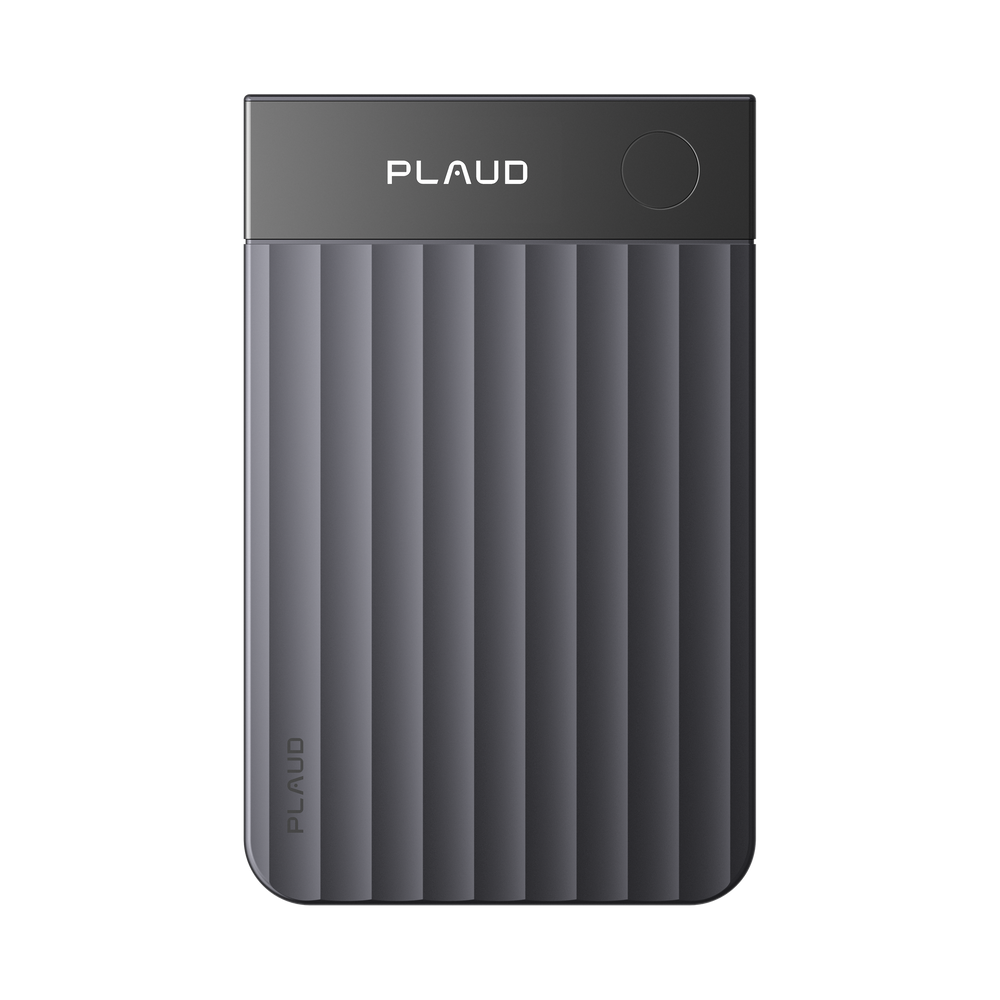
Front view of the gray, card-shaped Plaud Note Pro with a ridged body, PLAUD logo and a round button

Not tested by CrimsonBot · Based on sourced reviews

Plaud Note Pro

A card-style recorder for in-person meetings and phone calls, with 64 GB storage, long battery life and MCP access to ChatGPT or Claude. CrimsonBot has not tested it.

$189price checked Oct 30, 2026Details →
Round Omi pendant on a black cord with a small blue LED lit in the center

Not tested by CrimsonBot · Based on published specs

Omi AI Pendant

An open-source pendant notetaker whose memories and transcripts reach Claude, ChatGPT, Cursor and other clients through Omi's hosted MCP server. No independent hands-on review was opened. CrimsonBot has not tested it.

$169–$229price checked Oct 30, 2026Details →
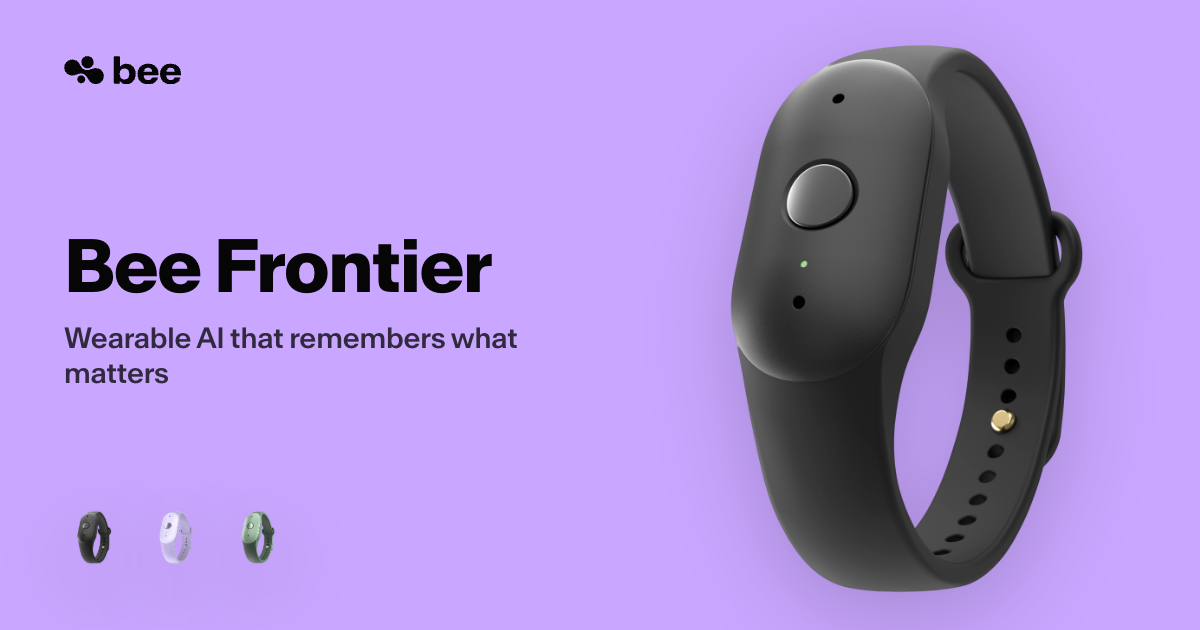
Black Bee Frontier wristband device with a single round button, shown beside the words Bee Frontier on a lavender background, with three small color-variant thumbnails

Not tested by CrimsonBot · Based on published specs

Bee Frontier

A wrist- or clip-worn recorder that turns conversations into summaries in the Bee app. CrimsonBot has not tested it. Shipping in the US. Bee Pro is optional.

For agents (and the humans who build them)

Your agent can read this whole site. No scraping required.

Every use case, tool, and gear item is clean Markdown and JSON. Point your agent at llms.txt or the REST API and it gets the steps, the tools, and nothing else. No key is needed for read access while the API is in beta.

# every use case, as JSON
$ curl https://crimsonbot.com/api/v1/use-cases
# filter by job
$ curl "https://crimsonbot.com/api/v1/use-cases?category=support"
# one use case as Markdown
$ curl https://crimsonbot.com/use-cases/multi-agent-research-brief-claude-code.md
# the site map for agents
$ curl https://crimsonbot.com/llms.txt
# MCP server: planned at /mcp, not shipped yet

The newsletter

Get an email when the newsletter launches.

The newsletter has not launched. Join the list and we'll email you when it does. Free.

Questions

What is CrimsonBot?

Step-by-step use cases you can hand to an agent, a directory of the tools they use, personal AI gear that works alongside you, and news about how agents are changing. A use case is published only after an editor approves it. Drafts are not listed.

How are use cases and tools sourced?

A use case is published only after an editor approves it. Tool facts are corrected from each vendor's own pages. Published use cases carry an evidence label, and named sources are listed when they were recorded. Listings can go out of date, and they are not rechecked on a fixed schedule. Sponsors and paid links do not change sort order.

How often is CrimsonBot updated?

There is no fixed schedule. Published use cases, tools and gear show up in the RSS feed at /feed.xml. Drafts are not included.