The Microsoft Teams build
Best if your office already lives in Microsoft 365.
Parts are being picked. Models and prices go here once they're checked.
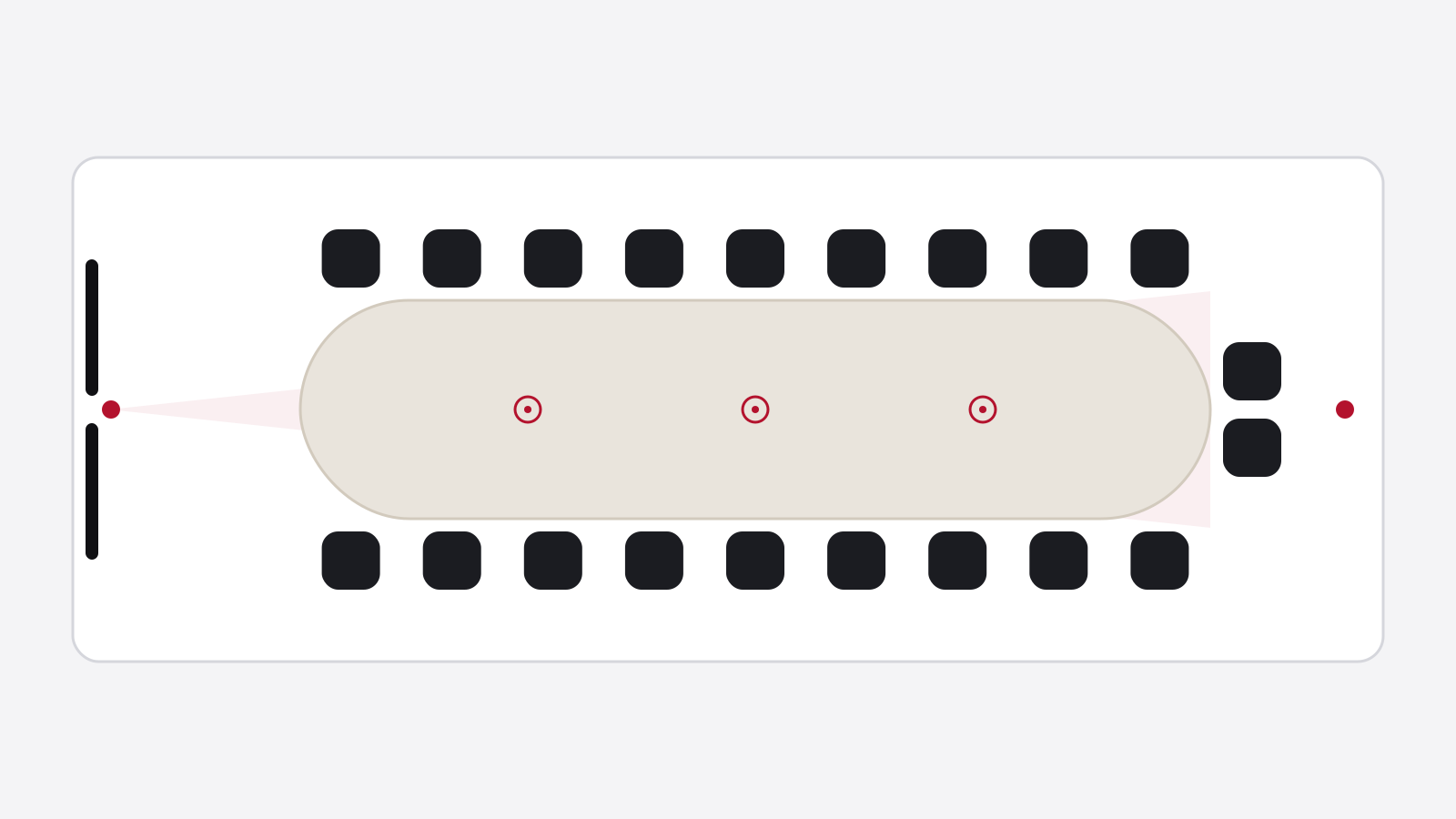
- Dual displaysOne for people, one for contentNot picked yet
- Multi-lens or PTZ cameraFrames whoever is talking, even at the far endNot picked yet
- Ceiling or table mic arrayEven pickup down the whole tableNot picked yet
- Audio processor (DSP)Handles echo cancelling and mixingNot picked yet
- Ceiling or wall speakersSo the back hears as well as the frontNot picked yet
- Second cameraA view from the other end of a long tableNot picked yet
- In-table connectionsPower, HDMI and USB-C hidden under a lidNot picked yet
- Teams Rooms computeBuilt into the bar on smaller kits, a separate mini PC on bigger onesNot picked yet
- Touch controllerSits on the table. One tap joins the meetingNot picked yet
- Teams Rooms licenseOne per room, from MicrosoftNot picked yet
Good to know. Stick to gear certified for Teams. It saves you a support call later.
Check before you buy